
For every jobseeker
Create and download a free CV.
No CV yet? Create a profile in the Werkvolk app or log in. Add your details and download your CV as a free PDF. You do not need an existing CV.
- Profile
- My CV
- Save CV
Everything for candidates. Free forever.
For iPhone and Android. Already have an account? Log in with your existing details.
How to download your CV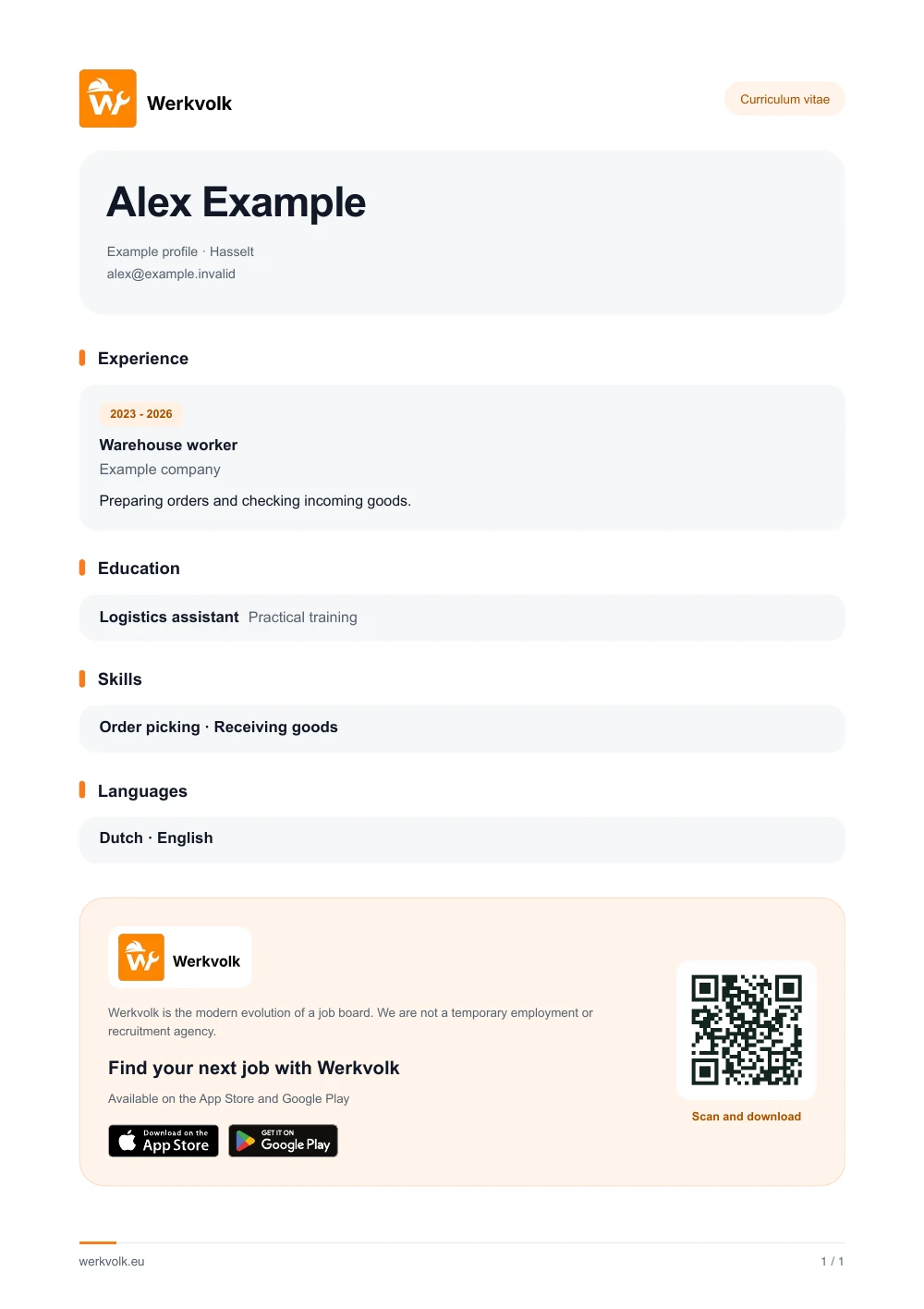
Create a free CV
Download your CV in four steps in the app.
You do not need to upload an old CV. Your profile is the starting point.
Create a profile or log in
Install the free Werkvolk app. Create a profile if you are new or log in to your existing account.
Go to your profile
Open your profile page in the app. This is where you find your personal details and your CV.
Open My CV
Choose “My CV” and add your experience, education, skills and languages. Check that your details are correct.
Download your CV
Tap “Save CV” and save the PDF on your phone. Use it for applications, including outside Werkvolk.
What should you put in your CV?
A clear CV shows who you are and what you can do. Gather this information before you start.
- Contact details
- Your name and a phone number where an employer can reach you. Check that your details are up to date.
- Work experience
- Your jobs, employers and dates. Describe actual tasks: preparing orders, helping customers or operating machines.
- Education and certificates
- Your studies, training and relevant certificates. Include practical qualifications such as a forklift certificate or driving licence.
- Skills and languages
- What are you good at? List practical skills and the languages you speak. Be honest about your level.
Creating a CV without work experience? You can.
Your first CV does not need a long list of jobs. Placements, school projects, student jobs and volunteering also show what you can do. Describe your actual tasks and what you learned. No diploma? Include relevant training and practical skills.
Questions about your free CV
Find an answer quickly
Is creating and downloading my CV really free?
Yes. Creating your CV, downloading it and using Werkvolk are free forever for candidates. You do not need a paid subscription, including to save your PDF.
Can I create a CV if I do not have one?
Yes. Install Werkvolk and create a profile, or log in if you already have an account. You do not need to upload an old CV. The app uses the information in your profile.
Can I create my CV on my phone?
Yes. Create your CV in the Werkvolk app on iPhone or Android. This website explains the process; creating and downloading happen in the app.
Can I make a CV without work experience or qualifications?
Yes. Include your skills, languages, training, placements or volunteering. You do not need to invent work experience or qualifications to create a CV.
How do I download my CV as a PDF?
Create a profile or log in to the Werkvolk app. Go to your profile, open “My CV”, complete your details and tap “Save CV”. Save the PDF on your phone. Creating and downloading are free forever.
Can I use my CV outside Werkvolk?
Yes. Attach your downloaded PDF to applications outside Werkvolk. To change something, update your profile in the app and download your CV again.
CV ready. Ready for something new?
Use the same profile to discover jobs that suit you. From your first CV to your next job, everything for candidates stays free.